
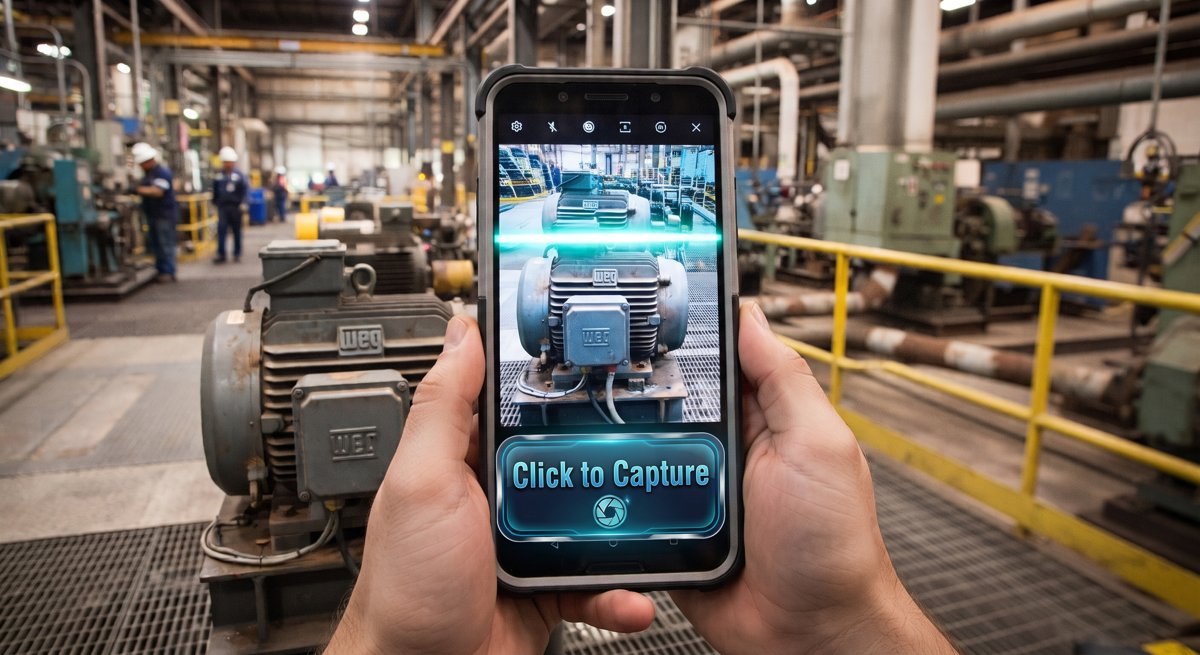

01 Capture
02 Extract
03 Review
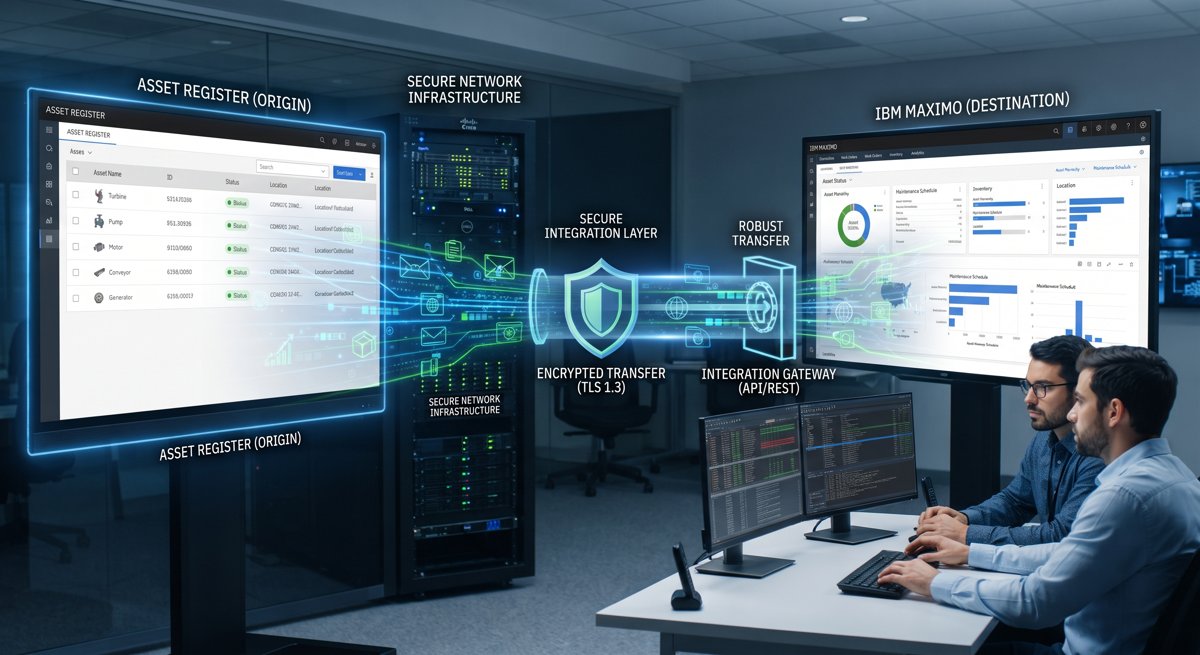
04 Register
Enrich your master data with just a click
Master data outdated? No worries. Click it. Fix it.
AI
Reading the nameplate
Drop photo or tap to capture
Photograph the equipment nameplate — JPEG, PNG, WEBP up to 20 MB
📷 Unable to process this photo
The nameplate couldn't be read clearly. Please retake the photo — hold the camera steady, get closer, and make sure the text is well lit and in focus.
📎 Supporting photos (optional, up to 4)
—
Overall confidence
How much of the nameplate the AI read cleanly
AI Extraction Result
📋 Asset Register
| Asset No. | Classification | Description | Manufacturer | Location | Condition | Criticality | Status | Photo | Datasheet | Actions |
|---|---|---|---|---|---|---|---|---|---|---|
| Loading… | ||||||||||
—
Page 1
📊 Dashboard
Loading dashboard…
🔗 Maximo / CMMS Integration
Connection Settings
Ready to Push
Loading…
Field Mappings
| Maximo Field | EAM Field / Value | Required | |
|---|---|---|---|
Settings
Manage your organisation profile and view your sector configuration.
Organisation
Used at the start of generated asset numbers, e.g. OG-PMP-00001.
AI Context
Injected into every AI nameplate scan prompt. Tailor it to your sector's equipment types, standards, and terminology.
Sector
—
—
Asset types
Users
Manage who can access your organisation.
Loading…
Audit Log
Recent administrative changes (latest 100).
Loading…
🔧 Admin
🏢 Organizations
📍 Locations
🧩 Asset Types & Specs
🗂️ Classifications
🏷️ Naming Conventions
Organizations
Loading…
Location Hierarchy
Define your 4-level hierarchy: Segment → Facility → Area → Sub-location. These drive the location picker in the Scan form.
Loading…
Asset Type Master & Technical Specifications
Configure the fields shown after staff confirm an AI-suggested asset type.
Loading…
Maximo Classifications & Specifications
Create classifications with their specification attributes in Maximo, bulk-upload from Excel, or pull the existing ones down from Maximo.
Loading…
Naming Conventions
Define the tag template per asset type. Tokens:
{PREFIX} (tenant prefix), {TYPE} (3-char type code), {SEQ:05} (zero-padded counter). Example: {PREFIX}-{TYPE}-{SEQ:05} → OG-PMP-00001
| Asset Type | Template | Counter | Step | Preview | Active | |
|---|---|---|---|---|---|---|